Add the library.
Extract the pack. In Blender Preferences, add the SkyScape Library folder under File Paths and Asset Libraries.
 BY KAIWAN SHABAN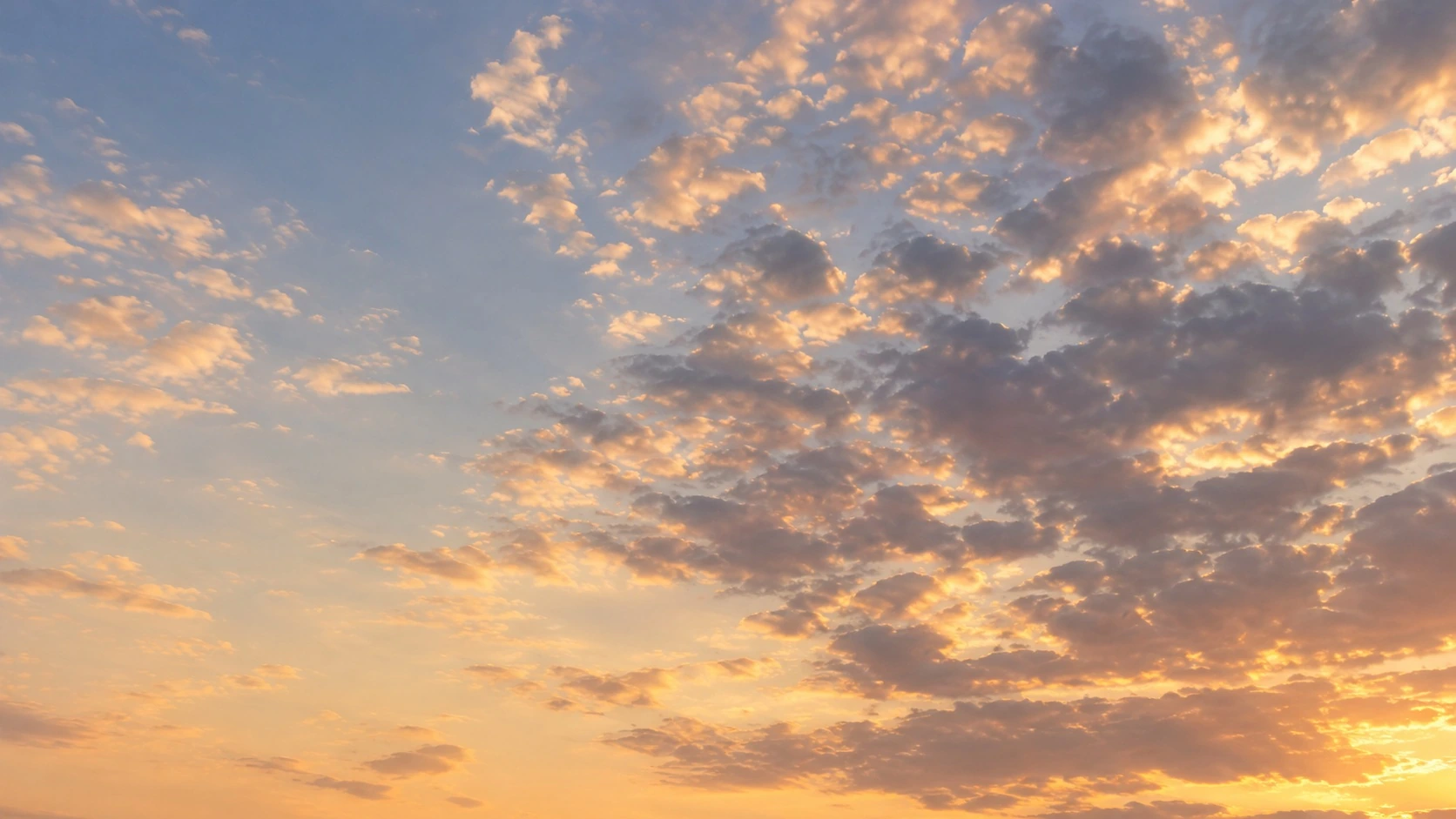
100 SKY BACKDROPS FOR BLENDER
Set the atmosphere.
See it in BlenderMEET SKYSCAPE
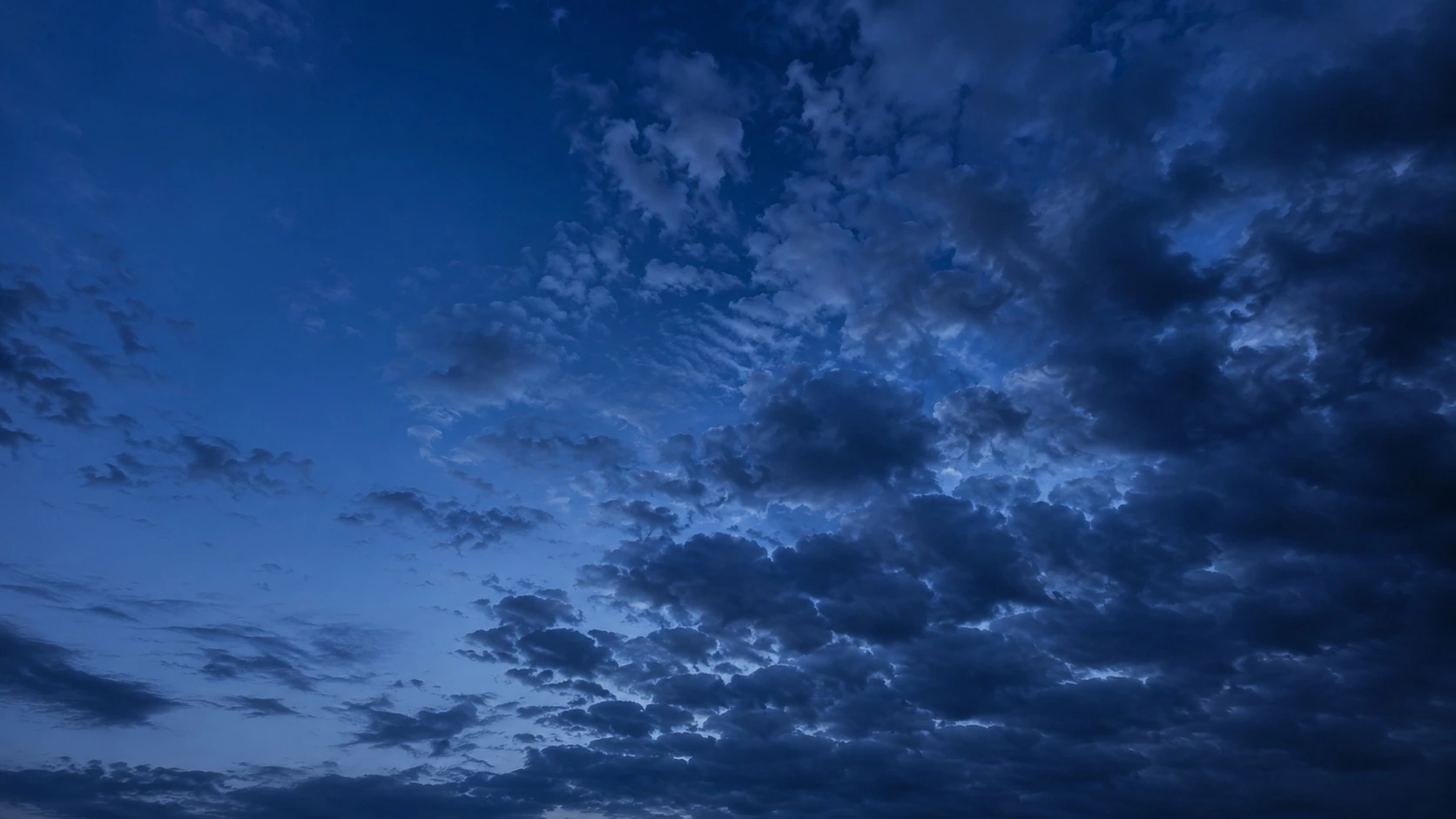
A good sky changes how a scene feels. SkyScape gives you a library of blue hour and golden hour backdrops, ready to place in Blender.
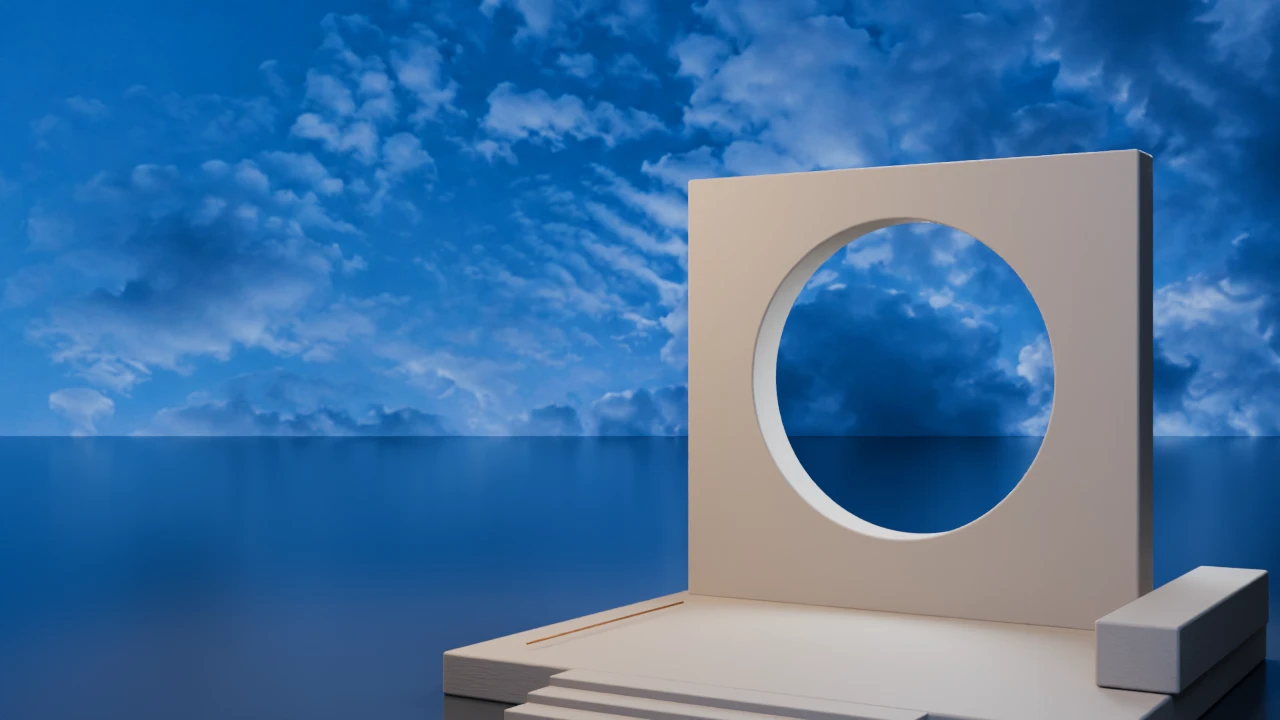
35 second horizontal preview with a real Blender workflow. The opening is an animated interpretation; the pack contains static sky images.
IN A REAL BLENDER SCENE
Choose a sky below. The camera, geometry and scene lights stay the same.
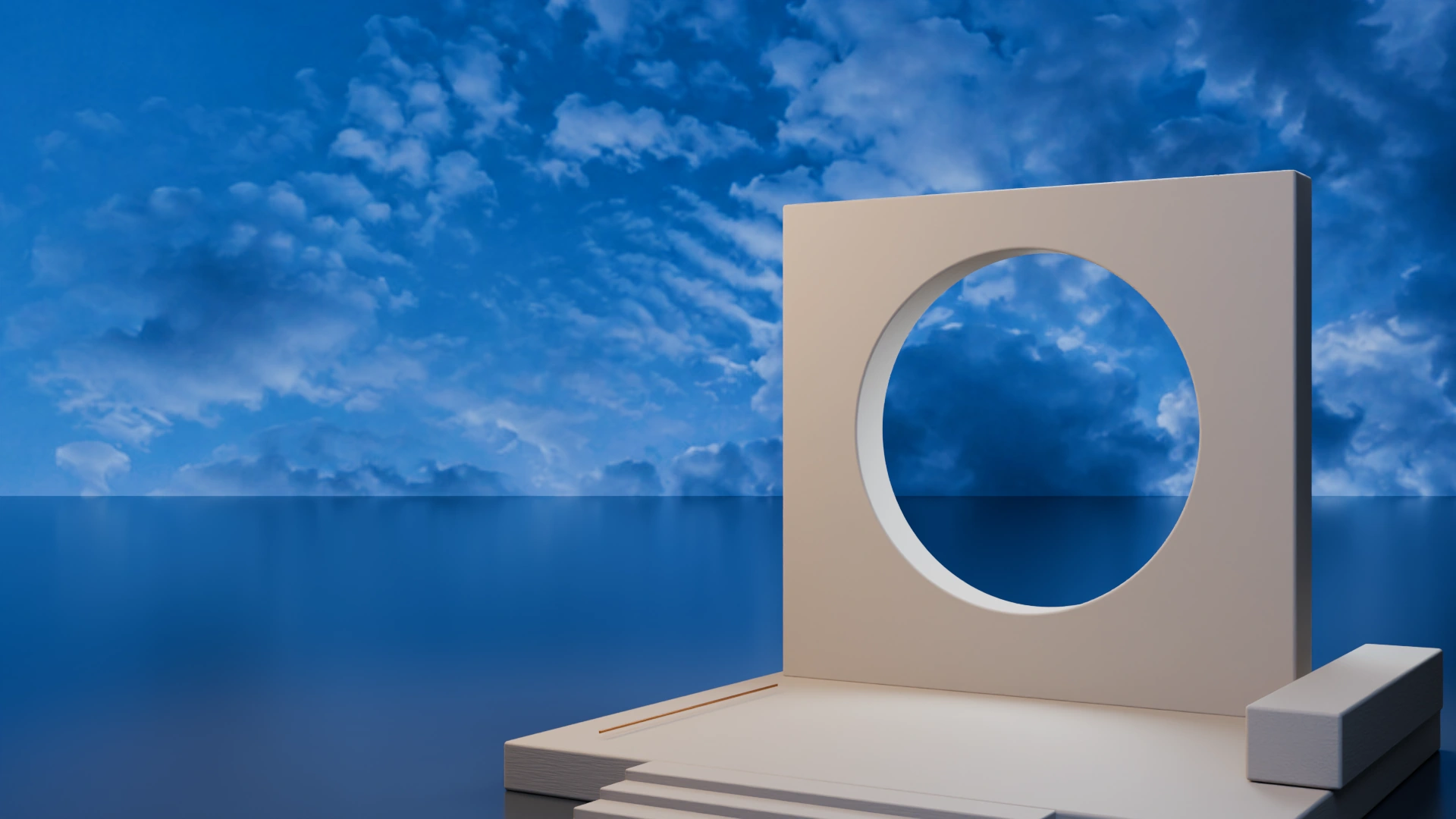
Original SkyScape image planes. The editable example scene is included. Emissive surfaces can also influence the render.
MAKE IT YOURS
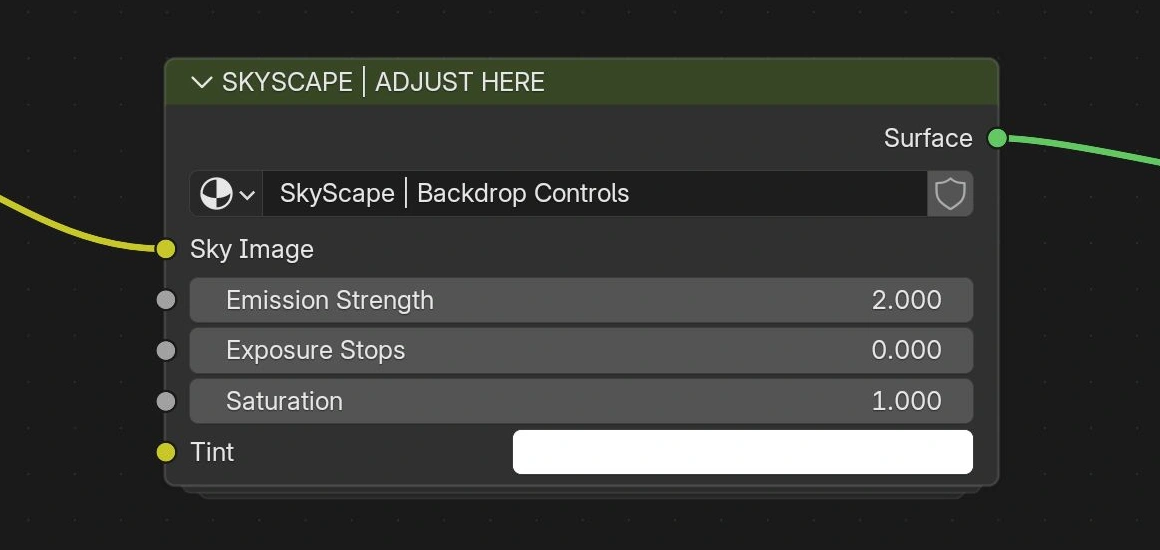
Exposure, saturation, emission and tint. The controls are right there in the material.
 B028 / REAL CYCLES PREVIEW
Move the sliders to compare actual Cycles renders. Emission stays at 2 and tint stays white. The Blender controls allow finer adjustments.
Start with the brightness
that suits your scene.
FROM LIBRARY TO SCENE
Choose a sky in the Asset Browser. Drop it into your scene, then move and scale it to fit your camera.
20 second demo. Edited recording from Blender 5.2, followed by three real Cycles renders. The same camera, geometry and scene lights are used for all three skies.
Extract the pack. In Blender Preferences, add the SkyScape Library folder under File Paths and Asset Libraries.
Open the Asset Browser. Browse Blue Hour or Golden Hour, then choose a soft, default or bright preset.
Drag a plane into your scene. Move and scale it, then adjust the material to suit your shot.
Use Append as the import method. Material Preview or Rendered shading displays the sky image.
EXPLORE THE COLLECTION
All 100 skies.
Choose a preview to look closer.
THE COMPLETE PACK
PNG originals and JPEG versions of the same 100 skies.
Three emission presets for each sky, organized by time of day.
Textures and thumbnails are saved inside the Blender library.
The architectural scene used in the comparisons, plus a written setup guide.
GOOD TO KNOW
A FEW USEFUL ANSWERS
No. Add the provided folder as a Blender Asset Library. The sky images and materials are packed in the Blender files.
The plane stays in world space. Place it behind your scene and orient it for your camera. There are no tracking constraints or animations on the library assets.
The same 100 skies are included as separate PNG and JPEG files, so you can use them in other image and compositing workflows under your purchase license.
The pack contains static sky images. The brief animated opening in the ad is a separate promotional interpretation.
Contact Kaiwan Shaban through the marketplace where you bought SkyScape. The download includes a written installation and adjustment guide.